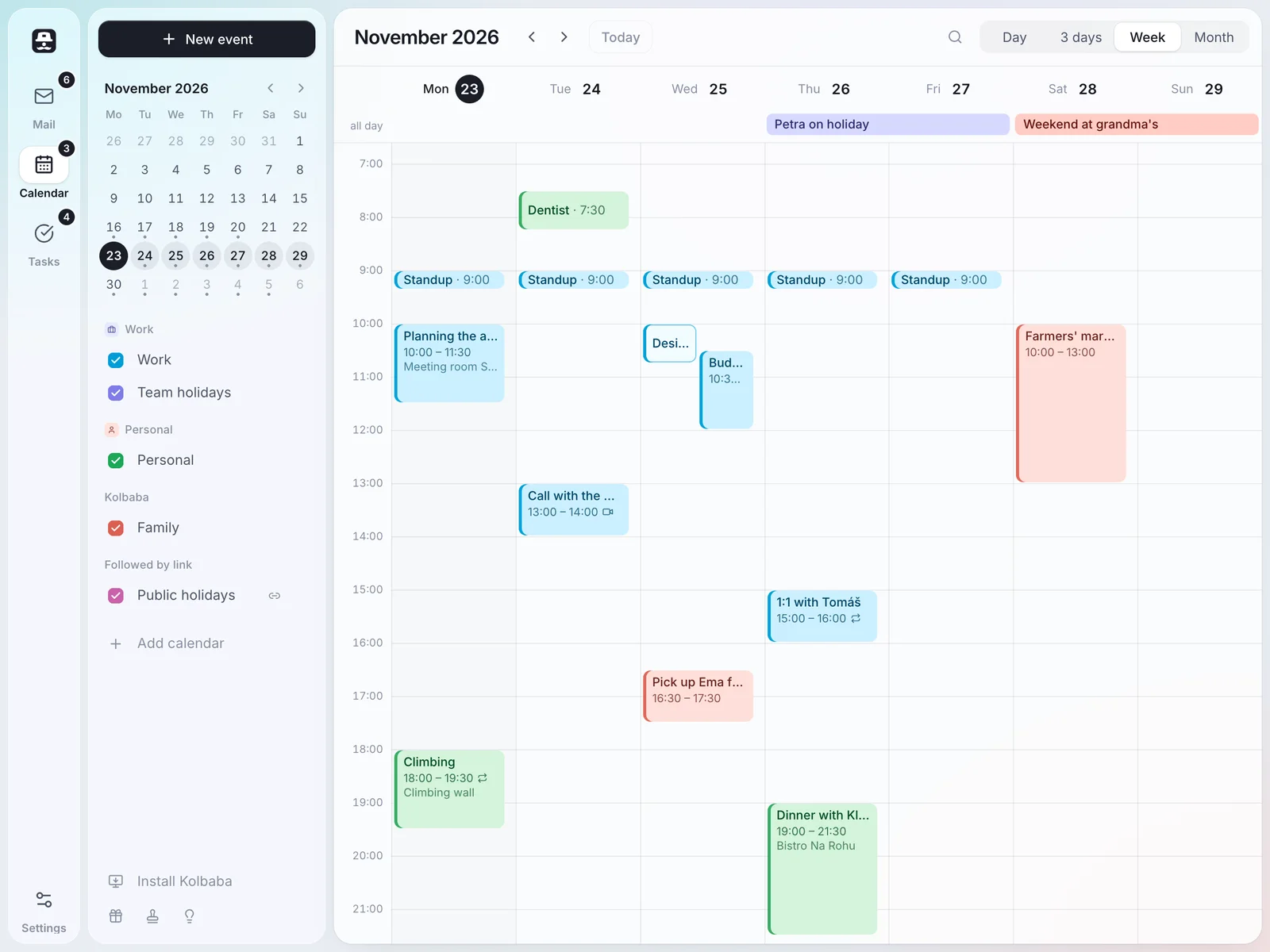
When am I free?
Calendar and tasks
Look at my calendar in Kolbaba for next week and find three free slots of an hour for a meeting with Petra. Don't change anything.
Three times to offer, nothing changed.
Read onlylist_events
Google, Outlook, Seznam, iCloud and any other CalDAV calendar in one view. Events you make or change in Kolbaba are saved to the calendar they belong to, so your other apps show them too.
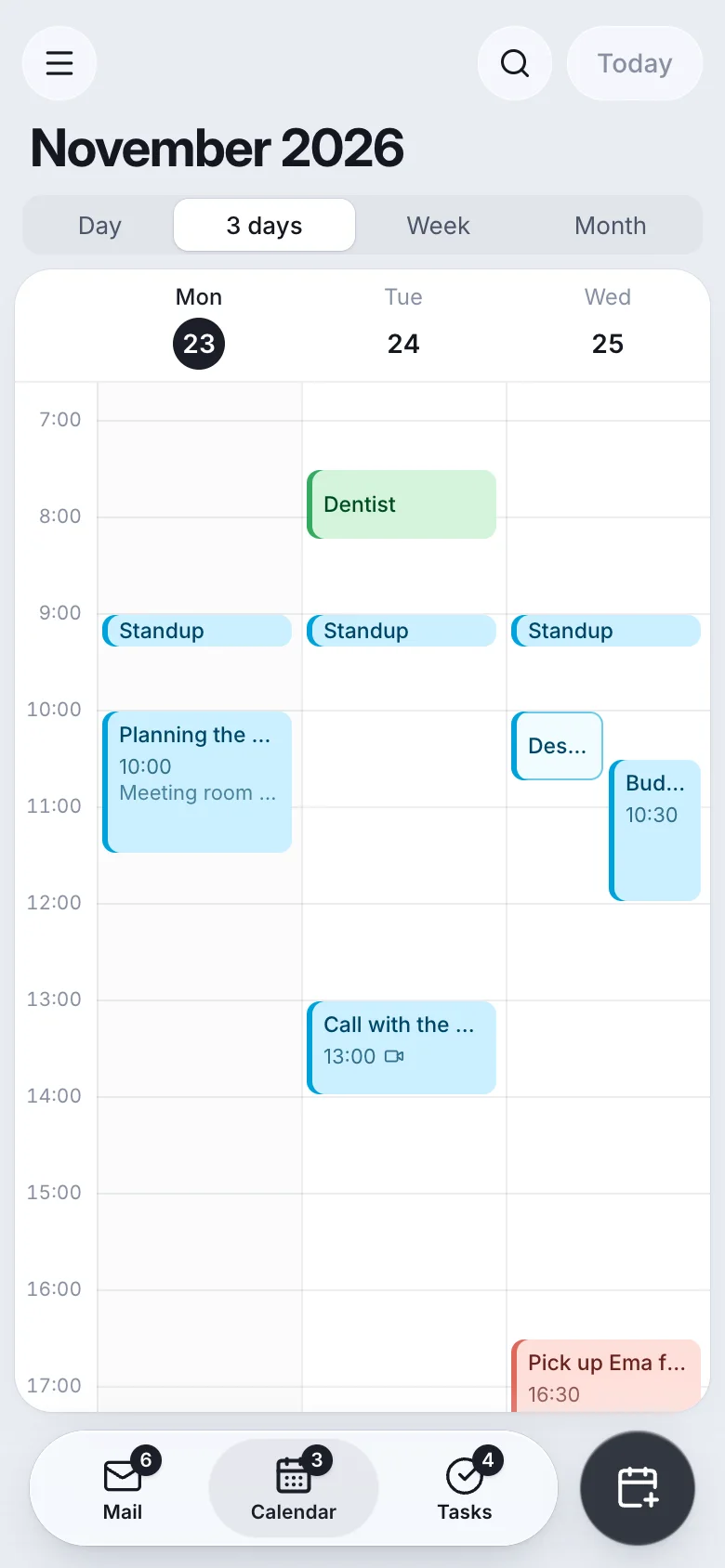
Add the calendars of the mailboxes you already connected in one click, or connect any CalDAV server: Seznam, iCloud, Fastmail or your own.
Paste an .ics link, like public holidays or a team's schedule, and it keeps itself up to date. Or import an .ics file once.
Tick which calendars you see. On the phone too, with the whole week or the month.
On the computer, drag an event to another time or day, or pull its lower edge to make it longer. A repeating event asks: just this one, or the whole series?
Add guests and they get an invitation. Answer invitations from other people right in the calendar or in the email.
A notification before an event starts, at the time you choose. Search finds events a year back and a year ahead.
Your calendars stay with your provider. Kolbaba shows them and saves your changes back there.
Share your calendar with Claude, ChatGPT or another agent when you connect it. With Read only it looks, with Organize & draft it adds, moves and deletes events, and inviting guests needs Full access. Every step can be undone in AI activity.
Look at my calendar in Kolbaba for next week and find three free slots of an hour for a meeting with Petra. Don't change anything.
Three times to offer, nothing changed.
Find emails in Kolbaba from the last week with a date I should keep: meetings, appointments, deadlines. Add each one to my calendar with the time and place from the email, and tell me what you added.
Dates from your mail land in your calendar; each one can be undone.
Look at today's events and tasks in Kolbaba and make me a plan for the day: which task to do when, between the meetings. Don't change anything.
A plan for today that fits around your meetings.
Google Calendar, Outlook and Microsoft 365, and any CalDAV calendar: Seznam, iCloud, Fastmail or your own server. You can also follow a calendar by its .ics link, import an .ics file, or keep calendars only in Kolbaba.
Yes. Your calendars stay with your provider, and what you change in Kolbaba is saved there, so your phone's calendar and every other app see it too.
Yes. Google and Microsoft send the invitation themselves. For other calendars Kolbaba sends it by email from your mailbox, and the same goes for changes and cancellations.
Yes. Kolbaba runs in your browser and you can add it to your Home Screen. The phone shows a day, three days, the week or the month, and reminders come as notifications.
No. The calendar is part of free Kolbaba, together with the mail and the tasks.
Open Kolbaba in your browser, connect a mailbox and its calendar, then your agent. Free to use.
Open Kolbaba